Open Source Excalidraw Alternatives
A curated collection of the 2 best open source alternatives to Excalidraw.
The best open source alternative to Excalidraw is Affine. If that doesn't suit you, we've compiled a ranked list of other open source Excalidraw alternatives to help you find a suitable replacement. Other interesting open source alternative to Excalidraw is Tldraw.
Excalidraw alternatives are mainly Collaborative Workspaces but may also be Whiteboarding Tools or Collaborative Notes & Wikis. Browse these if you want a narrower list of alternatives or looking for a specific functionality of Excalidraw.

Written by Piotr Kulpinski


An open-source, local-first knowledge base that merges structured docs, infinite whiteboards, databases, and AI into a single workspace for teams and creators.
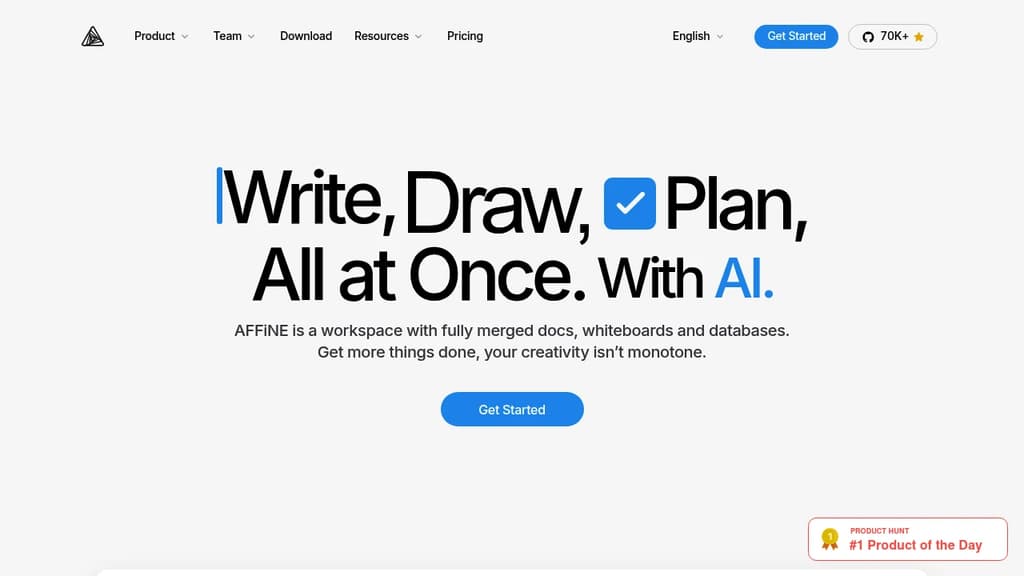
AFFiNE brings together the tools that most teams keep separate: a block-based document editor, an infinite whiteboard, Kanban boards, and a database layer, all inside one workspace. It's built for people who are tired of copying information between a wiki, a whiteboard app, and a project tracker. Everything lives in one place, and it's connected.
The local-first design is a genuine differentiator. Your data sits on your device by default, not on someone else's server. Sync is available, but you're not forced into a cloud subscription to use the core product. For teams with privacy requirements or individuals who want full ownership of their notes and plans, that matters.
Key capabilities:
- Edgeless mode turns any page into an infinite canvas where you can sketch, drag in documents, add sticky notes, and map out ideas spatially
- Block-based editing lets you build documents from reusable content blocks, mixing text, images, databases, and embeds freely
- Kanban boards sit alongside docs for project tracking without needing a separate tool like Trello or Jira
- AI integration assists with writing, summarizing, and planning directly inside the workspace
- Templates cover common use cases out of the box, from meeting notes to project plans
- Real-time collaboration lets teams work on the same page simultaneously
Compared to tools like AppFlowy or AnyType, AFFiNE leans harder into the visual side. The whiteboard isn't an afterthought; it's a first-class mode that can hold entire knowledge maps. Compared to Outline, it's less focused on structured wikis and more on freeform, mixed-media workspaces.
Free for individuals. Teams and commercial users pay for additional features. The source code is fully public, so self-hosting is an option for those who want it.

Virtual whiteboard that works instantly on any device, no signup required, with real-time multiplayer collaboration built in.
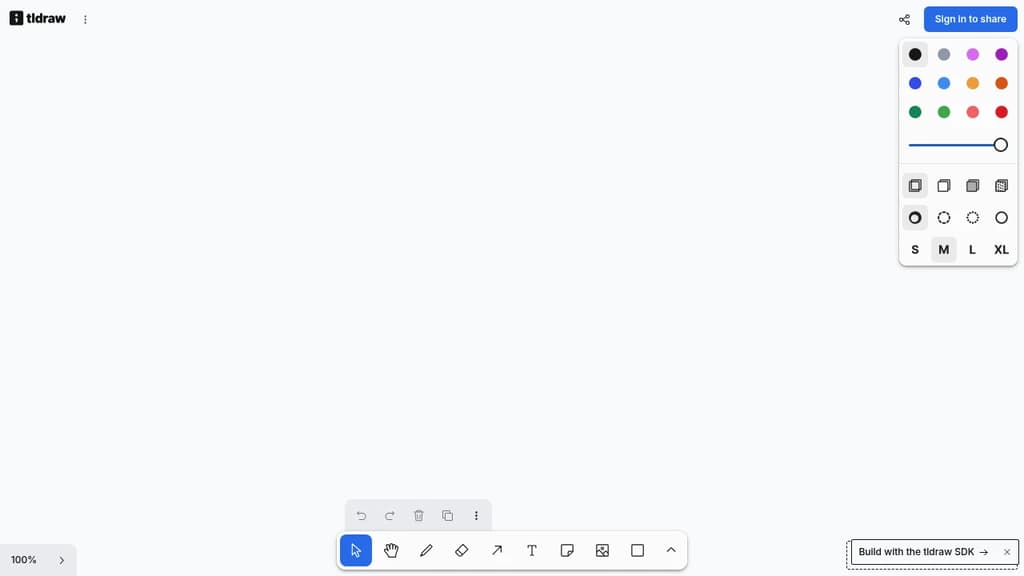
tldraw is a free virtual whiteboard that opens in your browser and works immediately. No account, no installation, no waiting. It runs on desktop, tablet, and mobile, making it practical for quick sketches, brainstorming sessions, or visual collaboration across teams.
The core experience is fast and low-friction. You get a clean infinite canvas with drawing tools, shapes, text, arrows, and sticky notes. Real-time multiplayer is built in, so multiple people can draw and edit together without any setup. Share a link and collaborators are in.
What sets tldraw apart from tools like Excalidraw or draw.io is its focus on feel. The drawing experience is deliberately smooth, with snapping, alignment guides, and a hand-drawn aesthetic that makes diagrams feel approachable rather than stiff. It's well-suited for informal collaboration: wireframes, quick diagrams, meeting notes with visuals, or just thinking out loud with a colleague.
Key capabilities include:
- Infinite canvas with zoom and pan that stays responsive at any scale
- Multiplayer collaboration via shareable links, no accounts required for guests
- Shape library covering arrows, connectors, text, and freehand drawing
- Embeds so you can drop in images and other content directly onto the board
- Export to PNG, SVG, and JSON for use outside the app
tldraw is also available as an open-source SDK, which means developers can embed the whiteboard engine directly into their own products. That dual nature (polished end-user tool and embeddable component) gives it a broader reach than most LucidChart alternatives in this space.

People are looking for alternatives to...
View all alternatives
Spotify

Claude Code

CapCut

Claude

Notion

Lovable
 Bright Data – Web data for AI agents and apps. Built-in unblocking, proxies, and ready-made APIs.
 Sent
Sent