Open Source Darktable Alternatives
A curated collection of the 5 best open source alternatives to Darktable.
The best open source alternative to Darktable is Compositor. If that doesn't suit you, we've compiled a ranked list of other open source Darktable alternatives to help you find a suitable replacement. Other interesting open source alternatives to Darktable are: Krita, GIMP, RawTherapee, and RAWmakase.
Darktable alternatives are mainly Photo Editing Software. Browse these if you want a narrower list of alternatives or looking for a specific functionality of Darktable.

Written by Piotr Kulpinski
Mac-native Photoshop alternative built around compositing and post-processing workflows, with layers, masks, blend modes, filters, and background removal.
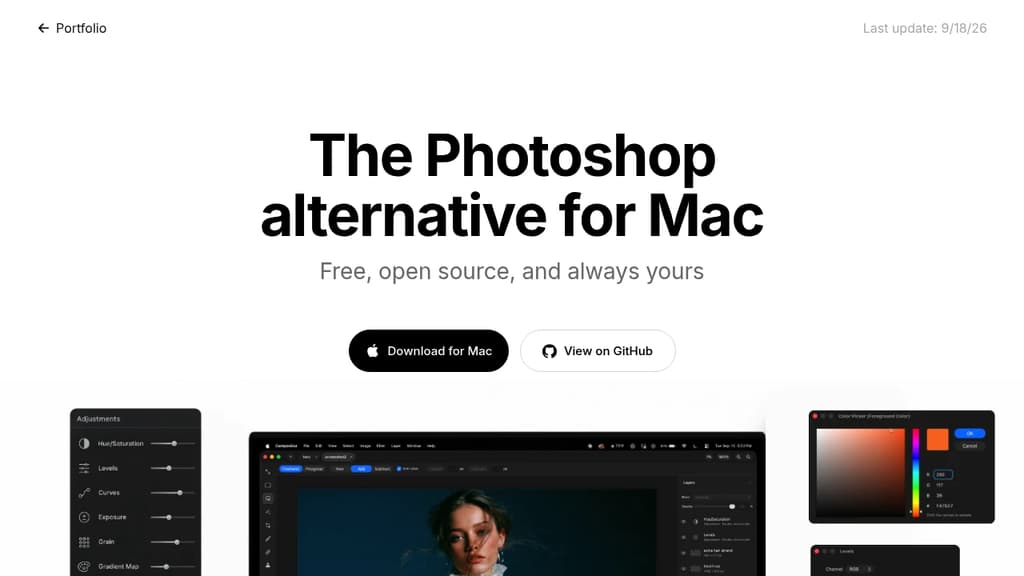
Compositor is a free, open-source image editor for Mac, built specifically around compositing and post-processing. It targets photographers and designers who find Adobe Photoshop too expensive but feel that tools like GIMP break their workflow. The interface and toolset are designed to feel familiar to Photoshop users without the subscription cost.
The core focus is pixel-perfect compositing. That means the feature set isn't spread thin across illustration or vector work; it's concentrated on what you actually need to combine, retouch, and finalize images.
Key capabilities include:
- Layers and folders for organizing complex compositions
- Layer masks and clipping masks for non-destructive editing
- Blend modes to control how layers interact
- Selection tools for isolating subjects and regions
- Adjustment layers for color and tone corrections
- Background removal built directly into the app
- Filters including Gaussian blur, motion blur, and lens correction
- Grain and noise for adding film-like texture
- Liquify and smear for warping and reshaping
- Spot healing and clone stamp for retouching
- Brush tool for painting and touch-ups
Because the full Xcode project is available, you can add, remove, or modify any feature to suit your needs. That's a meaningful difference from other photo and video editors in this space: the source is genuinely open and buildable, not just visible. Mac-only by design, so it takes full advantage of the platform rather than trying to be cross-platform everywhere.

Free and open source painting program built by artists for artists. Features professional brushes, layers, animation tools, and drawing assistants for all skill levels.

Professional-grade digital art creation without the price tag. This free and open source painting program delivers everything artists need to bring their creative visions to life, from concept sketches to finished masterpieces.
Comprehensive toolset for every artistic style:
- Multiple brush engines optimized for different techniques
- Advanced layer system with blending modes and effects
- Drawing assistants and stabilizers for precise control
- Built-in animation tools for motion graphics and storytelling
Expand your creative possibilities with extensive community resources including custom brushes, texture packs, patterns, and plugins that add new functionality. The active artist community provides ongoing support, feedback opportunities, and inspiration through shared artwork and tutorials.
Built by artists, for artists - this GNU GPL licensed project remains forever free and continuously evolves based on real artist needs. Whether you're a beginner exploring digital art or a professional illustrator, the intuitive interface and powerful features adapt to your workflow and skill level.

Free, open-source image editor with professional tools for photo manipulation, digital art creation, and graphic design. Cross-platform support.
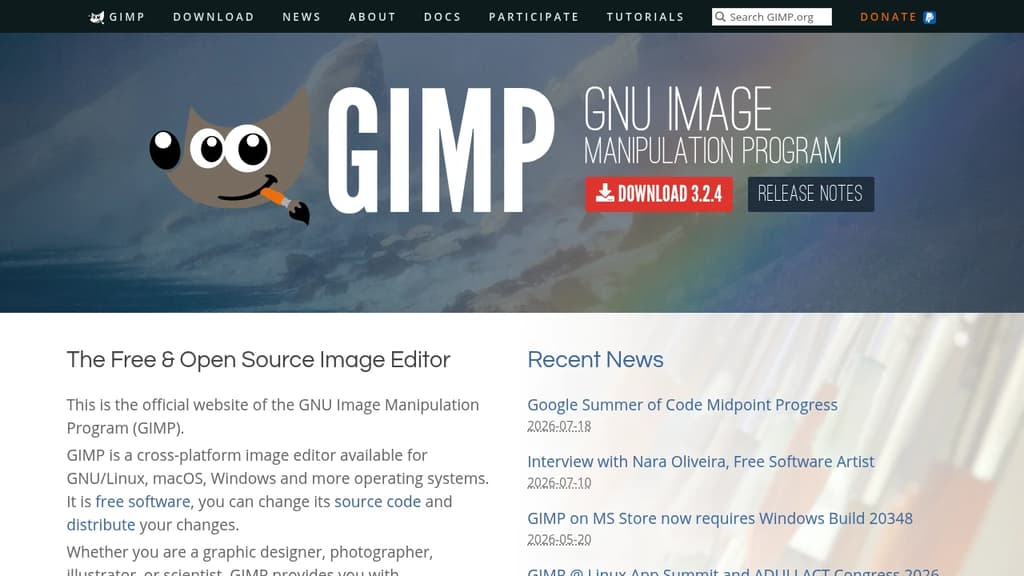
GIMP is a powerful, free alternative to expensive image editing software that delivers professional-grade results. This cross-platform editor runs seamlessly on GNU/Linux, macOS, Windows, and other operating systems, making it accessible to everyone.
Perfect for multiple creative disciplines: Whether you're a graphic designer crafting logos, a photographer retouching portraits, an illustrator creating digital art, or a scientist processing research images, GIMP provides sophisticated tools to match your workflow.
Key capabilities include:
- High-quality photo manipulation - Advanced retouching, restoration, and creative compositing tools
- Original artwork creation - Complete digital painting and illustration suite
- Graphic design elements - Icon creation, UI mockups, and design asset production
- Scripted automation - Multi-language programming support (C, C++, Perl, Python, Scheme)
Professional workflow integration features top-notch color management for consistent reproduction across digital and print media. The software integrates beautifully with other open-source tools in desktop publishing workflows.
Extensive customization through plugins, scripts, and community-created extensions means you can tailor GIMP to your specific needs. The active development community continuously adds new features and improvements, ensuring this free tool stays competitive with premium alternatives.
Free, cross-platform raw image processor with 32-bit floating point engine, advanced demosaicing algorithms, and professional-grade editing tools for photographers.
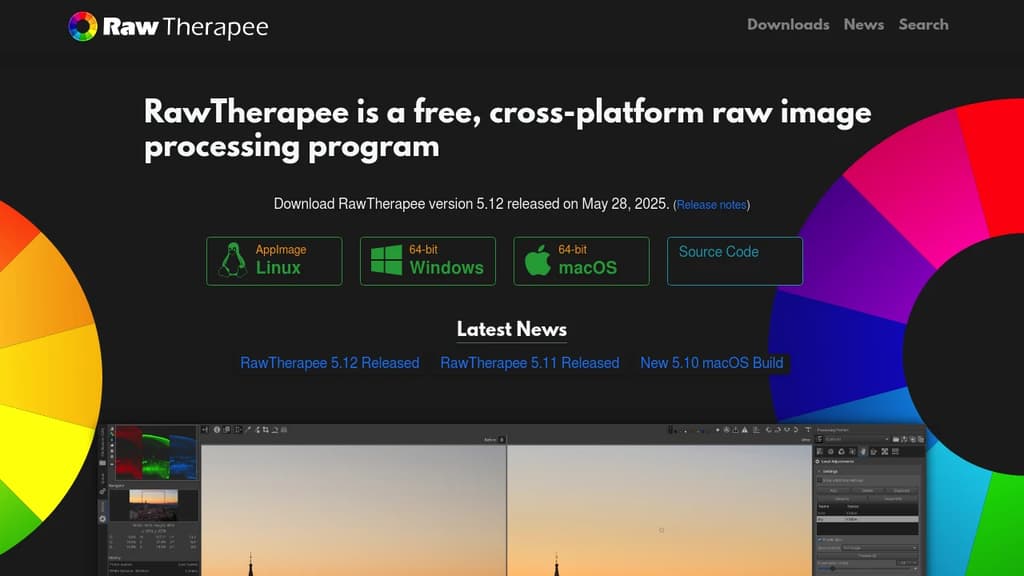
RawTherapee is a professional-grade raw photo processing system that delivers exceptional image quality without the price tag. Built on a 32-bit floating point processing engine, it offers non-destructive editing capabilities that preserve every detail of your original raw files.
Key Features:
- Advanced demosaicing algorithms including dual-algorithm processing on single images
- High Dynamic Range (HDR) DNG support for stunning dynamic range
- Multi-frame raw file processing with automatic ghost masking
- Professional correction tools including dark frame subtraction, flat field correction, and hot/dead pixel correction
- Cross-platform compatibility - works seamlessly on Linux, macOS, and Windows
- International support with availability in over 15 languages
The software excels at developing raw files from a broad range of digital cameras, making it perfect for both enthusiast photographers looking to expand their digital imaging knowledge and professional photographers who demand the highest quality results.
As free and open-source software, RawTherapee gives you complete freedom to use, modify, and distribute the program. The active community provides excellent support, documentation, and continuous improvements to help you master advanced photo processing techniques.

Non-destructive RAW photo editor for macOS, Linux, and Windows that reads Lightroom catalogs, presets, and camera profiles. Free, MIT licensed, built in Rust.
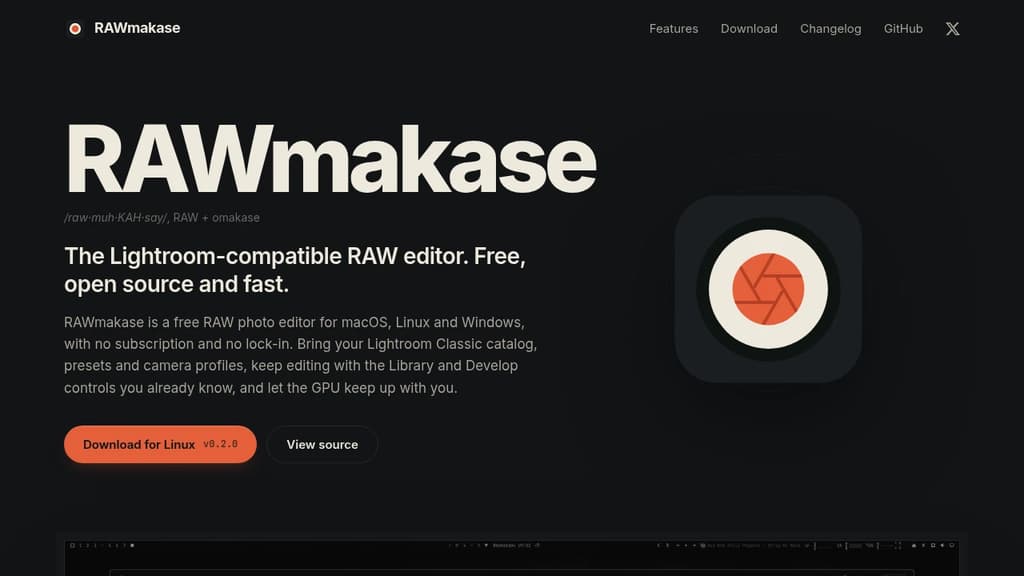
RAWmakase is a free RAW photo editor built for photographers who want to leave Adobe Lightroom behind without leaving their work behind. It reads Lightroom Classic catalogs directly, importing ratings, flags, color labels, keywords, and compatible develop settings. Your presets and DCP/XMP camera profiles come with you too.
The interface follows the Library and Develop layout Lightroom users already know, so the learning curve is short. GPU acceleration keeps rendering fast. Edits are non-destructive: your original files are never touched, and every change is written atomically to a local catalog you own outright.
What it covers in the Develop panel:
- Tone and color: white balance (including Auto WB), exposure, Shadows, Highlights, Clarity, Dehaze, and curves
- HSL and color grading for fine color control
- Detail, crop, Transform, and lens corrections
- Spots and masks: Heal, Clone, brush, gradient, and range masks (actively improving)
Library side:
- Catalogs, folders, collections, ratings, flags, labels, keywords, and filters
- Folder relinking when you open an imported Lightroom catalog
Linux support is first-class, with native .deb, .rpm, and Arch packages. There's also a command-line interface for inspecting, rendering, exporting, and importing catalogs without opening the GUI, which makes it scriptable for batch workflows.
Compared to tools like Darktable or RawTherapee, RAWmakase's main differentiator is the direct Lightroom compatibility. If you've built years of presets and catalogs in Lightroom, those assets carry over rather than requiring a rebuild from scratch. Rendering aims for close, not exact, parity with Lightroom.
It's MIT licensed, free with no trial period or feature tiers, and the source is on GitHub.

People are looking for alternatives to...
View all alternatives
Spotify

Claude Code

CapCut

Claude

Notion

Lovable
 Docmost – Open-source wiki software with real-time collaboration, diagrams, AI, SSO, RBAC permissions and more.
 Sent
Sent