Open Source Cosmos Server Alternatives
A curated collection of the 3 best open source alternatives to Cosmos Server.
The best open source alternative to Cosmos Server is Coolify. If that doesn't suit you, we've compiled a ranked list of other open source Cosmos Server alternatives to help you find a suitable replacement. Other interesting open source alternatives to Cosmos Server are: CasaOS and YunoHost.
Cosmos Server alternatives are mainly Control Panels but may also be Home Server Platforms or PaaS & Deployment Tools. Browse these if you want a narrower list of alternatives or looking for a specific functionality of Cosmos Server.

Written by Piotr Kulpinski


Self-hostable deployment platform that lets you deploy apps, databases, and 280+ one-click services to any server via SSH, with Git integration and automatic SSL.
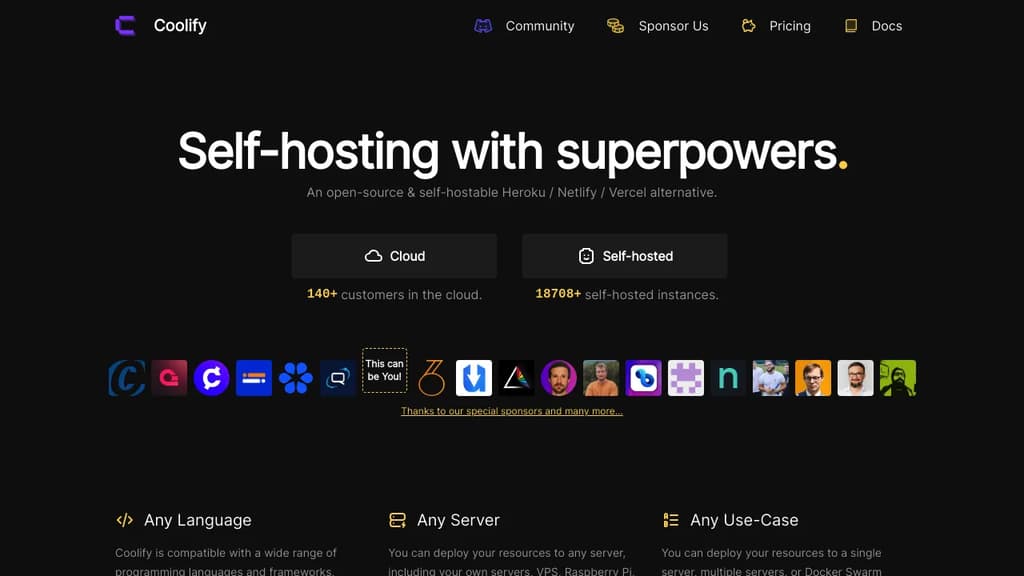
Coolify is a self-hostable platform for deploying applications, databases, and services to servers you control. It's built for developers and teams who want the convenience of platforms like Heroku or Vercel without giving up ownership of their infrastructure or paying per-seat cloud pricing.
It connects to any server over SSH. Your own VPS, a Raspberry Pi, a Hetzner box, an EC2 instance – if you can SSH into it, Coolify can deploy to it. From there, everything runs in Docker, which means any Docker-compatible service is fair game.
Key capabilities include:
- Git-based deployments from GitHub, GitLab, Bitbucket, Gitea, and self-hosted Git platforms, with push-to-deploy out of the box
- Pull request environments that spin up automatically so you can review changes before merging
- 280+ one-click services covering databases, analytics tools, CMS platforms, and more
- Automatic SSL via Let's Encrypt, renewed without any manual steps
- S3-compatible database backups with point-and-click restore
- Real-time browser terminal so you can run commands on your servers without leaving the UI
- Monitoring and alerts for deployments, disk usage, and server health, delivered to Discord, Telegram, or email
- Team support with role-based permissions across projects
- API access for automating deployments and integrating with existing CI/CD pipelines
All configuration stays on your own servers. There's no vendor lock-in: if you stop using Coolify, your apps and data stay exactly where they are. It's a practical DigitalOcean App Platform replacement for anyone who'd rather own the stack than rent it.

CasaOS is an open-source personal cloud system that makes it easy to set up and manage your own home server
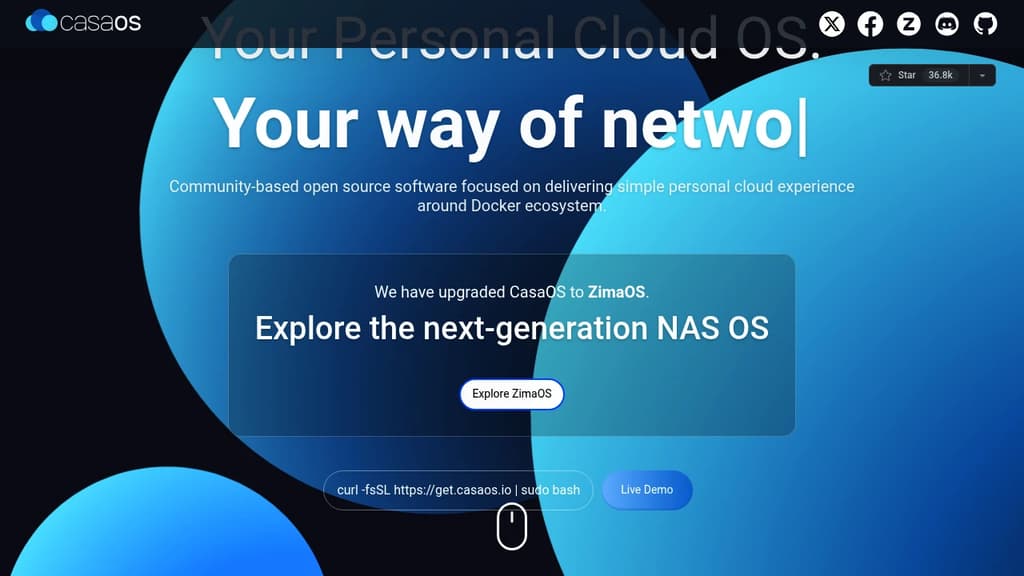
CasaOS is an elegant open-source personal cloud system designed to simplify home server management. With its user-friendly interface and Docker-based architecture, CasaOS makes it easy to:
- Discover and install apps from a curated app store with over 50 verified options
- Manage your files and data across devices with built-in file management
- Access your server remotely from anywhere
- Customize your dashboard with flexible widgets and layouts
CasaOS runs on a variety of hardware including Raspberry Pi, Intel NUC, and standard x86 computers. The one-click installer gets you up and running in minutes.
Key benefits:
- Simple setup - no advanced technical skills required
- Centralize your data and reduce reliance on cloud services
- Expand functionality with Docker apps for media streaming, backups, development, and more
- Open-source and privacy-focused
Whether you're a home server novice or experienced self-hoster, CasaOS provides an accessible way to take control of your personal cloud. Get started today and reimagine your home data center.

Install and maintain your own server with minimal technical knowledge. Host websites, email, cloud storage, social networks, and more for complete digital independence.

YunoHost transforms server management into a simple, accessible experience for everyone. This open-source platform lets you install and maintain your own digital services without requiring deep technical expertise.
Perfect for personal use and small organizations, YunoHost supports a wide range of applications including:
- Personal services: Sync calendars and contacts, secure password management, private email hosting, media organization, and alternative social networks
- Business tools: Website hosting, file sharing with Nextcloud, collaborative document editing, accounting management, and team chat systems
Getting started is straightforward with three simple steps:
- Choose your hardware: ARM boards like Raspberry Pi, repurposed old computers, or cloud VPS servers
- Install the system: Follow guided setup for admin configuration, domain names, and router settings
- Deploy applications: Install services with just a few clicks, set up automated backups, and maintain your server
Built on technocritical principles, YunoHost champions a decentralized internet with open, interoperable technologies that respect privacy and give users control over their digital lives. The project promotes digital sobriety and hardware reuse, making self-hosting both accessible and environmentally conscious.
Whether you're looking to escape big tech surveillance, reduce subscription costs, or simply gain control over your digital infrastructure, YunoHost provides the tools to garden your own piece of the internet.

People are looking for alternatives to...
View all alternatives
Spotify

Claude Code

CapCut

Claude

Notion

Lovable
 c15t – Open-source cookie banner, built for control and lightening fast modern web apps.
 Bright Data