Open Source Anchor Browser Alternatives
A curated collection of the 5 best open source alternatives to Anchor Browser.
The best open source alternative to Anchor Browser is Browser Use. If that doesn't suit you, we've compiled a ranked list of other open source Anchor Browser alternatives to help you find a suitable replacement. Other interesting open source alternatives to Anchor Browser are: Lightpanda, Skyvern, ego lite, and Steel.
Anchor Browser alternatives are mainly Browser Automation for AI Tools but may also be Scraping Platforms & SDKs or Browser Automation Tools. Browse these if you want a narrower list of alternatives or looking for a specific functionality of Anchor Browser.

Written by Piotr Kulpinski


Python library that lets AI agents browse the web by giving them real browser control, DOM access, and the ability to interact with any website.
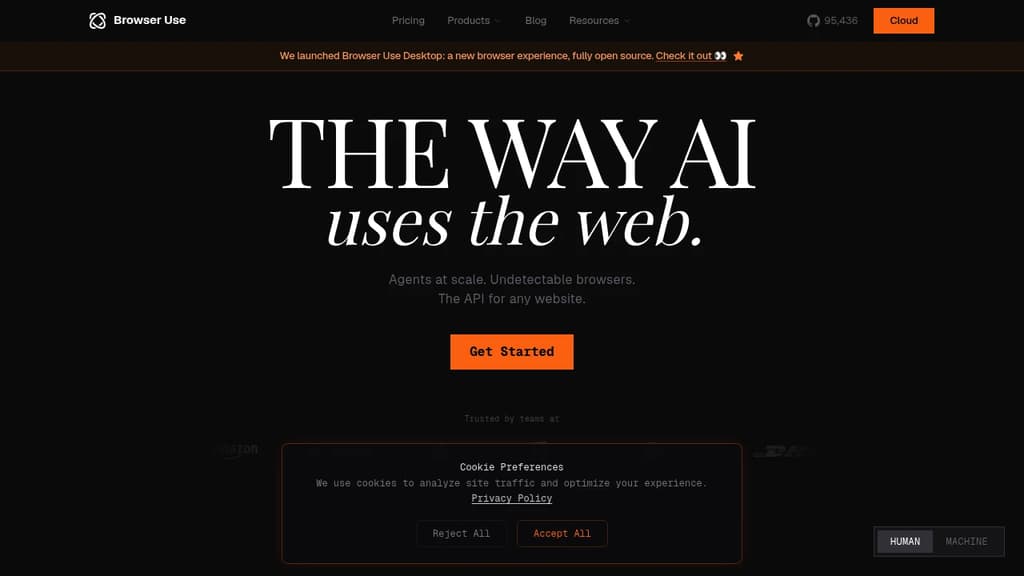
Browser Use is a Python library that connects AI agents to real browsers. Instead of scraping static HTML or working through fragile selectors, agents get full control of a live browser session: they can click, type, scroll, fill forms, handle logins, and extract data from any site, including ones that require JavaScript to render.
It's built for developers building AI-powered automation workflows where the target website doesn't offer an API. Think automating research tasks, filling out multi-step web forms, pulling data from behind authentication walls, or running agents that need to navigate real-world web interfaces.
Key capabilities include:
- Multi-tab support so agents can work across several pages in a single session
- DOM extraction that gives the agent a structured view of what's on the page, not just a screenshot
- Vision support for pages where visual context matters
- Parallel agent execution for running tasks at scale across many browser instances
- Session persistence so agents can maintain state across steps, including cookies and login sessions
- LLM-agnostic design meaning you can wire it to OpenAI, Anthropic, or any other model you're using
Compared to tools like Skyvern or Crawl4AI, Browser Use sits closer to the developer-facing, programmable end of the spectrum. You define the agent's goal in natural language, and the library handles translating that into browser actions. There's no low-code UI; it's code-first and designed to be embedded in larger agent pipelines.
The project has broad adoption, with usage reported across Fortune 500 teams and a large open source community. It pairs well with agent frameworks and can be combined with Firecrawl when you need both structured crawling and interactive browsing in the same workflow.

Purpose-built headless browser that delivers 10x faster performance and 10x lower memory usage compared to Chrome headless for web automation and AI workflows.
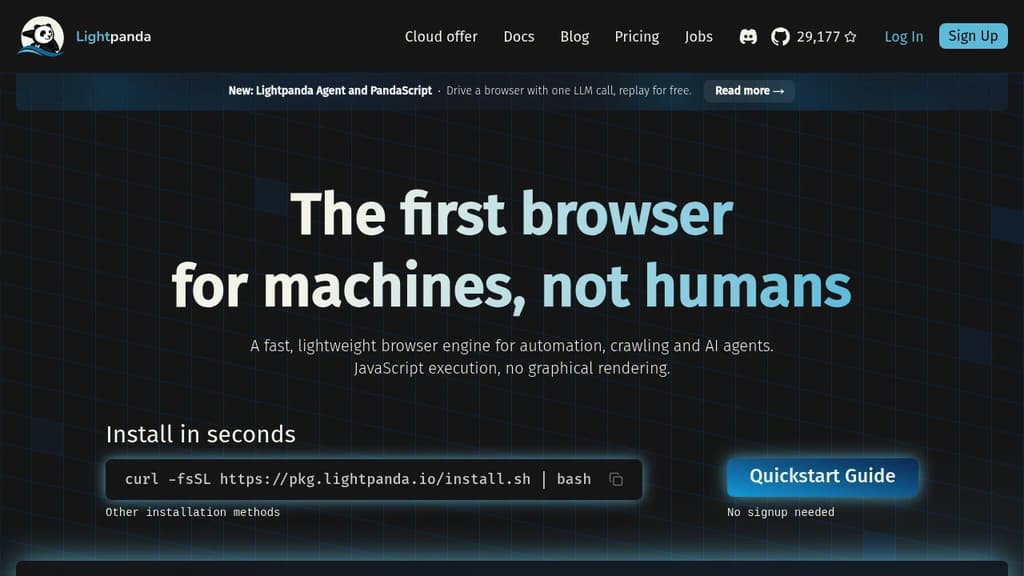
Lightpanda is a groundbreaking headless browser built from scratch specifically for machines and automation. Unlike other solutions that modify existing browsers, Lightpanda was developed from the ground up in Zig, a low-level programming language optimized for performance.
Key benefits include:
- Superior Performance: 11x faster execution time and 9x lower memory usage compared to Chrome headless
- AI-Native Design: Purpose-built for AI agents and automation workflows with instant startup
- Efficient Scraping: Handles resource-intensive web scraping with minimal CPU and memory footprint
- Full Compatibility: Works with existing tools like Puppeteer and Playwright
- Easy Integration: Simple drop-in replacement for Chrome headless in existing code
The browser's focused architecture eliminates unnecessary rendering overhead while maintaining full web standards compatibility. This makes it ideal for high-volume automation, web scraping, and AI agent applications where performance and resource efficiency are critical.

Transform manual browser tasks into automated workflows using AI. Handle complex forms, CAPTCHAs, 2FA, and data extraction across any website at scale.
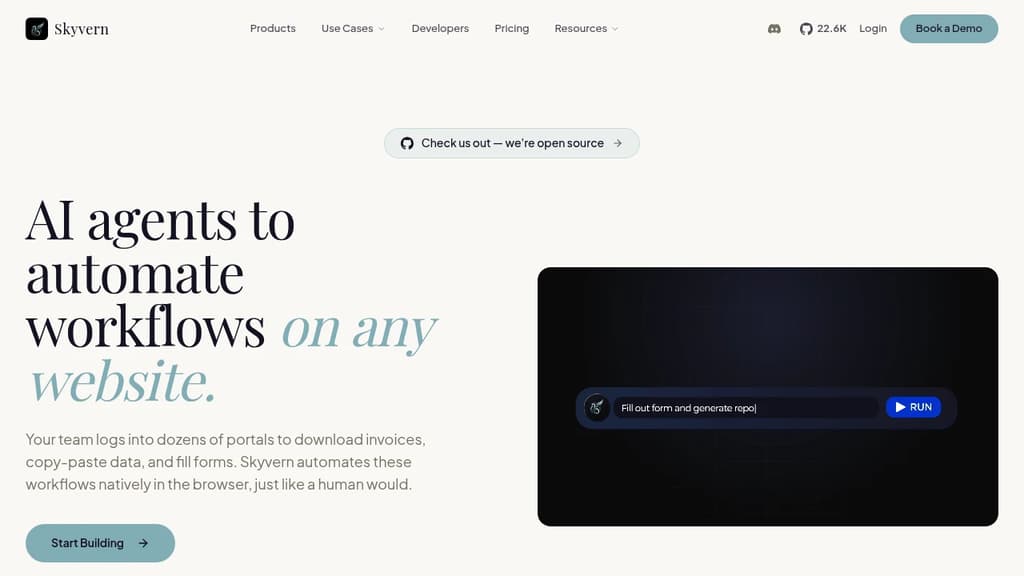
Transform tedious browser-based tasks into intelligent automated workflows that adapt to any website. No more brittle scripts or manual repetition - just describe what you need done in plain English and watch AI handle the complexity.
Key capabilities that set it apart:
- Universal website compatibility - Works on any webpage without custom coding
- Advanced authentication handling - Manages 2FA, CAPTCHA solving, and secure logins
- Intelligent form processing - Fills complex multi-step forms dynamically
- Scalable execution - Run thousands of tasks simultaneously via API
- Data extraction flexibility - Export results in CSV, JSON, or custom schemas
- Explainable AI actions - Full transparency into every automated step taken
Popular use cases include:
- Automated invoice retrieval from vendor portals
- Bulk job applications with personalized submissions
- Contact form filling for outbound campaigns
- Government form completion and submission
- Procurement pipeline automation
- Multi-vendor data collection and comparison
The platform combines computer vision with large language models to understand webpage layouts and execute complex workflows reliably. Proxy network support enables geo-targeted automation, while built-in error handling ensures consistent results across different website structures and updates.

A Chromium-based browser that lets AI agents like Claude Code and Codex run web automation using your real logged-in sessions, without interrupting your browsing.
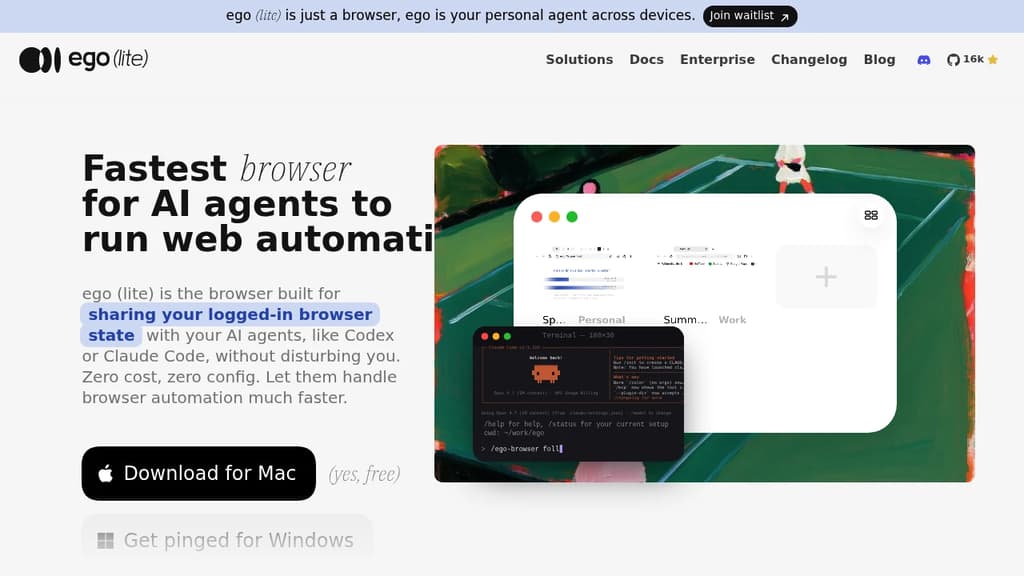
ego (lite) is a Chromium browser designed to be used by both you and your AI agents at the same time. Instead of spinning up a separate headless browser that has no access to your logins, agents like Claude Code, Codex, or Cursor drive ego (lite) directly through a connection layer called ego-browser. They get your real cookies, sessions, and logged-in state from day one.
The core problem it solves: most browser automation for AI tools require a blank browser instance that has to re-authenticate to every service before doing anything useful. ego (lite) skips that entirely by sharing the same Chromium profile you already use daily.
Key capabilities:
- Spaces keep the agent's work isolated from yours. It runs tasks in its own workspace; your tabs stay untouched unless you hand one over.
- Parallel task execution lets multiple agents run separate automation jobs simultaneously, each in its own Space, without colliding.
- Batch JavaScript actions let an agent run several in-page steps in one pass rather than one tool call at a time, cutting token usage and finishing complex tasks up to 3.45x faster than comparable tools.
- Semantic snapshots are generated inside a custom Chromium engine, not a JavaScript shim. They reach into cross-origin iframes, shadow DOM, and third-party widgets like Stripe, Salesforce, and React portals that standard tools miss.
- Chrome migration imports your bookmarks, passwords, extensions, cookies, and tab groups in one click during onboarding.
- No login friction means agents never hit captchas, 2FA prompts, or SSO redirects, because they're already authenticated through your session.
Unlike Browserbase or Anchor Browser, ego (lite) is also your daily browser. You don't run it alongside Chrome; it replaces Chrome. Any agent that can invoke a shell command can drive it through ego-browser, with no SDK to integrate and no model lock-in. All browsing data stays local on your machine.

Open-source browser infrastructure that lets AI agents and automation scripts control cloud browser fleets via a simple API, with built-in CAPTCHA solving and proxy management.
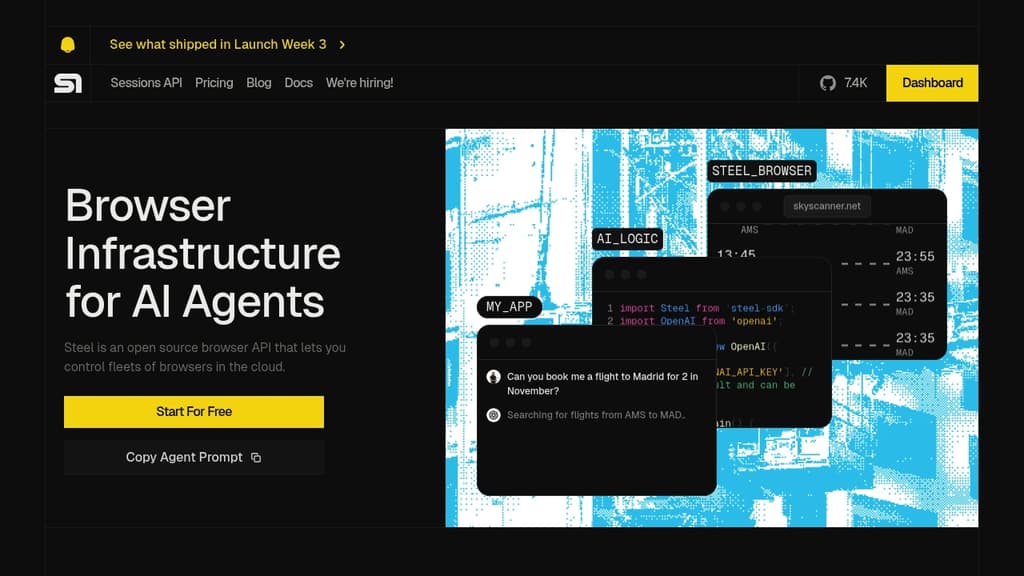
Steel gives AI agents and automation developers a way to run browsers in the cloud without managing infrastructure. It exposes a Sessions API that spins up on-demand browser instances, handles the messy parts of web automation (bot detection, CAPTCHAs, session state), and integrates with tools you're probably already using.
It's built for teams working on browser automation for AI: agents that book flights, scrape data at scale, fill forms, or interact with auth-walled sites. It also fits RPA pipelines, sales automation, QA testing, and foundational model training that requires real web data.
Key capabilities:
- Sessions API spins up browser sessions on demand, with average start times under one second
- Built-in CAPTCHA solving keeps automations running without manual intervention
- Proxy and fingerprint controls reduce the chance of being flagged as a bot
- Context management lets you save and reuse cookies and local storage across sessions, so agents can pick up mid-flow
- Long sessions run up to 24 hours per session
- Session Viewer lets you watch or replay live and recorded sessions for debugging
- Auto sign-in gives agents secure access to sites behind authentication
- One-line migration from local Puppeteer, Playwright, or Selenium to cloud sessions
Steel works with Python, Node.js, Puppeteer, Playwright, and Selenium. It has cookbook examples for pairing with Browser Use, OpenAI's Computer Use, and Claude's Computer Use, making it a practical backend for agent frameworks that need real browser access.
The project is open source. You can self-host it with Docker for local development or run it fully on your own infrastructure. The hosted cloud option is available for teams that don't want to manage the stack themselves, with a free tier included.

People are looking for alternatives to...
View all alternatives
Spotify

Claude Code

CapCut

Claude

Notion

Lovable
 Windshift – The self-hosted platform that replaces Jira.
 Postiz