Open Source Affinity Photo Alternatives
A curated collection of the 4 best open source alternatives to Affinity Photo.
The best open source alternative to Affinity Photo is Compositor. If that doesn't suit you, we've compiled a ranked list of other open source Affinity Photo alternatives to help you find a suitable replacement. Other interesting open source alternatives to Affinity Photo are: Darktable, GIMP, and RawTherapee.
Affinity Photo alternatives are mainly Photo Editing Software. Browse these if you want a narrower list of alternatives or looking for a specific functionality of Affinity Photo.

Written by Piotr Kulpinski

Mac-native Photoshop alternative built around compositing and post-processing workflows, with layers, masks, blend modes, filters, and background removal.
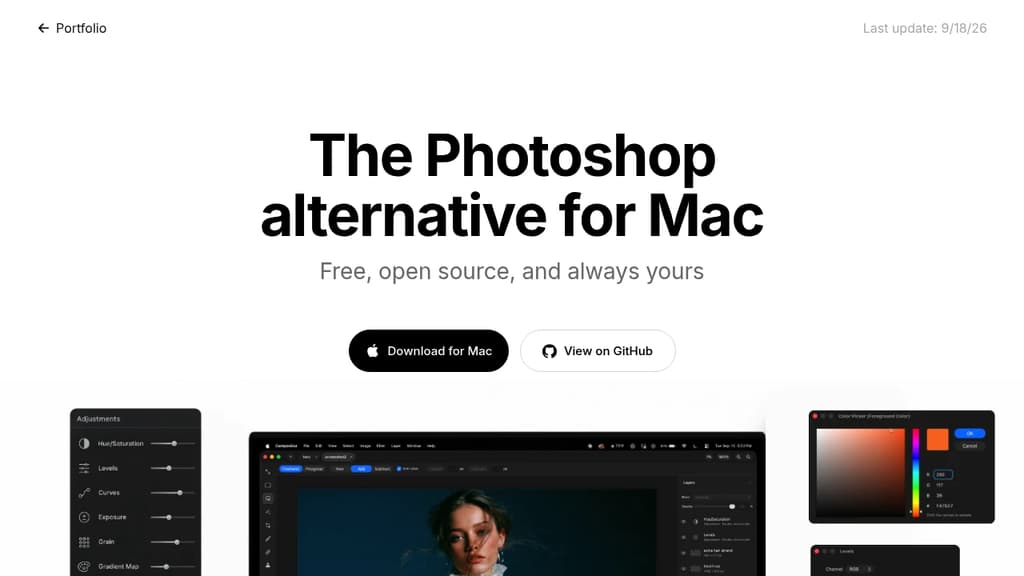
Compositor is a free, open-source image editor for Mac, built specifically around compositing and post-processing. It targets photographers and designers who find Adobe Photoshop too expensive but feel that tools like GIMP break their workflow. The interface and toolset are designed to feel familiar to Photoshop users without the subscription cost.
The core focus is pixel-perfect compositing. That means the feature set isn't spread thin across illustration or vector work; it's concentrated on what you actually need to combine, retouch, and finalize images.
Key capabilities include:
- Layers and folders for organizing complex compositions
- Layer masks and clipping masks for non-destructive editing
- Blend modes to control how layers interact
- Selection tools for isolating subjects and regions
- Adjustment layers for color and tone corrections
- Background removal built directly into the app
- Filters including Gaussian blur, motion blur, and lens correction
- Grain and noise for adding film-like texture
- Liquify and smear for warping and reshaping
- Spot healing and clone stamp for retouching
- Brush tool for painting and touch-ups
Because the full Xcode project is available, you can add, remove, or modify any feature to suit your needs. That's a meaningful difference from other photo and video editors in this space: the source is genuinely open and buildable, not just visible. Mac-only by design, so it takes full advantage of the platform rather than trying to be cross-platform everywhere.
Open source photography workflow application for RAW development. Non-destructive editing, professional color management, and GPU acceleration for photographers.
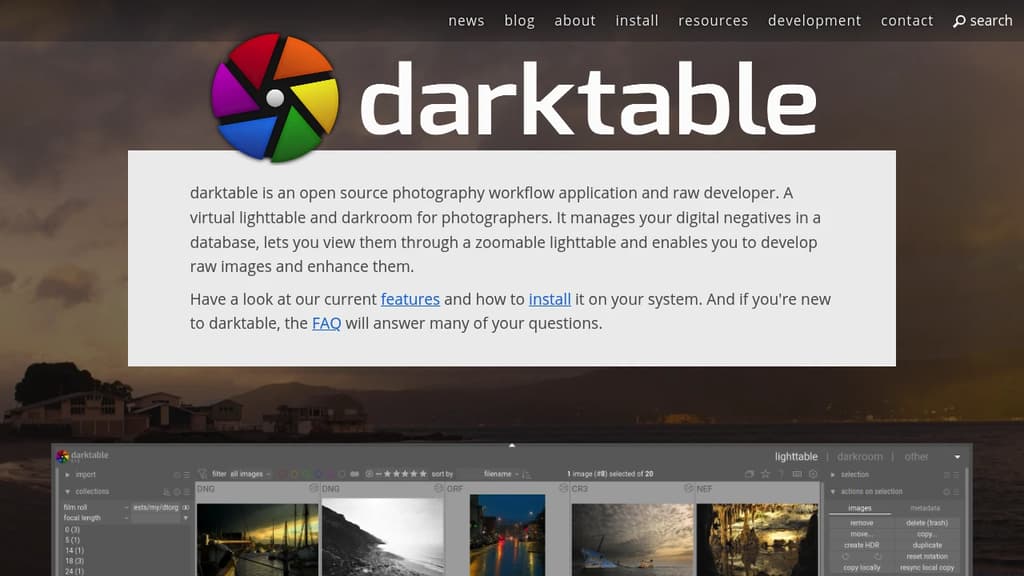
darktable is a comprehensive open source photography workflow application designed specifically for photographers who demand professional-grade RAW processing capabilities. This powerful tool serves as both a virtual lighttable and darkroom, providing everything needed to manage, develop, and enhance digital photographs.
Key Features:
- Non-destructive editing - Your original images remain untouched throughout the entire editing process
- Professional color management - Ensures color fidelity from capture to print
- GPU acceleration - Leverages your graphics card for faster processing and smoother workflow
- Database-driven organization - Efficiently manages your digital negatives with robust cataloging
- Zoomable lighttable - Intuitive interface for viewing and organizing your photo collection
Built by photographers, for photographers, darktable understands real-world workflows and challenges. The development team includes active photographers who bring practical experience to the software's design and functionality.
The application excels at RAW development with a comprehensive set of tools for exposure correction, color grading, noise reduction, and creative enhancement. Whether you're a professional photographer or serious enthusiast, darktable provides the advanced features needed for high-quality image processing without the cost of proprietary alternatives.

Free, open-source image editor with professional tools for photo manipulation, digital art creation, and graphic design. Cross-platform support.
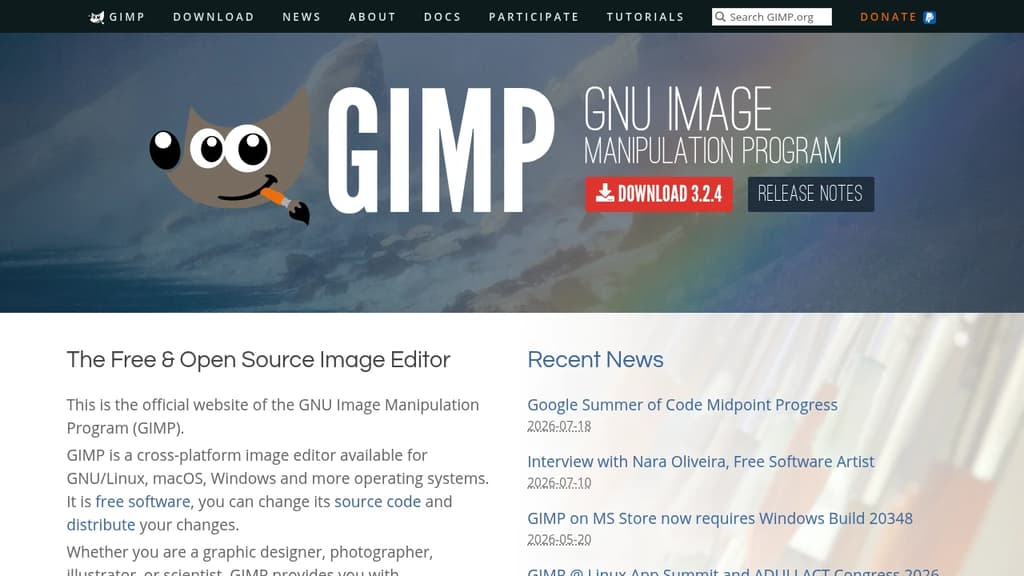
GIMP is a powerful, free alternative to expensive image editing software that delivers professional-grade results. This cross-platform editor runs seamlessly on GNU/Linux, macOS, Windows, and other operating systems, making it accessible to everyone.
Perfect for multiple creative disciplines: Whether you're a graphic designer crafting logos, a photographer retouching portraits, an illustrator creating digital art, or a scientist processing research images, GIMP provides sophisticated tools to match your workflow.
Key capabilities include:
- High-quality photo manipulation - Advanced retouching, restoration, and creative compositing tools
- Original artwork creation - Complete digital painting and illustration suite
- Graphic design elements - Icon creation, UI mockups, and design asset production
- Scripted automation - Multi-language programming support (C, C++, Perl, Python, Scheme)
Professional workflow integration features top-notch color management for consistent reproduction across digital and print media. The software integrates beautifully with other open-source tools in desktop publishing workflows.
Extensive customization through plugins, scripts, and community-created extensions means you can tailor GIMP to your specific needs. The active development community continuously adds new features and improvements, ensuring this free tool stays competitive with premium alternatives.
Free, cross-platform raw image processor with 32-bit floating point engine, advanced demosaicing algorithms, and professional-grade editing tools for photographers.
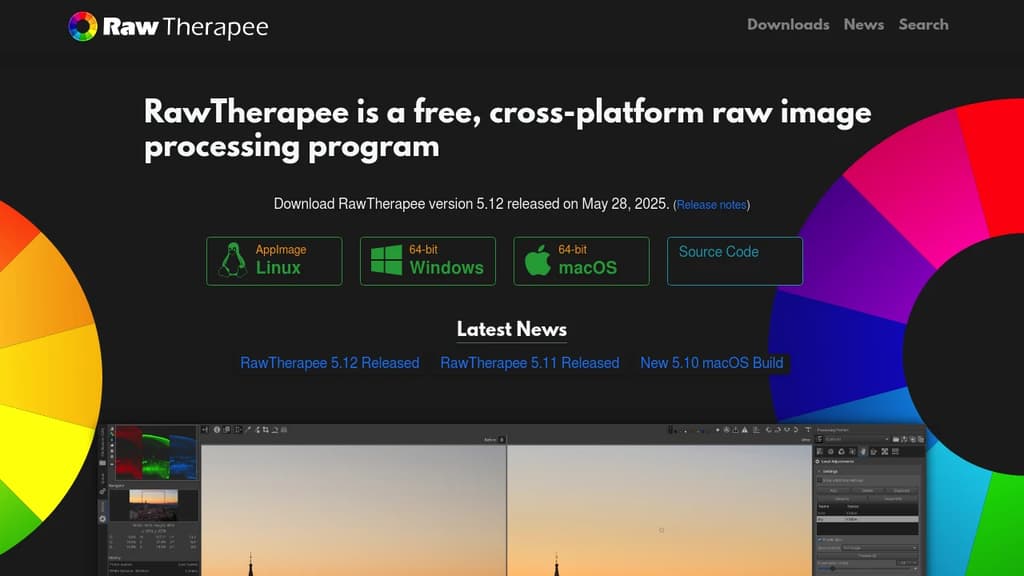
RawTherapee is a professional-grade raw photo processing system that delivers exceptional image quality without the price tag. Built on a 32-bit floating point processing engine, it offers non-destructive editing capabilities that preserve every detail of your original raw files.
Key Features:
- Advanced demosaicing algorithms including dual-algorithm processing on single images
- High Dynamic Range (HDR) DNG support for stunning dynamic range
- Multi-frame raw file processing with automatic ghost masking
- Professional correction tools including dark frame subtraction, flat field correction, and hot/dead pixel correction
- Cross-platform compatibility - works seamlessly on Linux, macOS, and Windows
- International support with availability in over 15 languages
The software excels at developing raw files from a broad range of digital cameras, making it perfect for both enthusiast photographers looking to expand their digital imaging knowledge and professional photographers who demand the highest quality results.
As free and open-source software, RawTherapee gives you complete freedom to use, modify, and distribute the program. The active community provides excellent support, documentation, and continuous improvements to help you master advanced photo processing techniques.

People are looking for alternatives to...
View all alternatives
Spotify

Claude Code

CapCut

Claude

Notion

Lovable
 c15t – Open-source cookie banner, built for control and lightening fast modern web apps.
 Docmost