Open Source Affine Alternatives
A curated collection of the 4 best open source alternatives to Affine.
The best open source alternative to Affine is Excalidraw. If that doesn't suit you, we've compiled a ranked list of other open source Affine alternatives to help you find a suitable replacement. Other interesting open source alternatives to Affine are: AppFlowy, Tldraw, and XWiki.
Affine alternatives are mainly Collaborative Workspaces but may also be Whiteboarding Tools or Online Design Tools. Browse these if you want a narrower list of alternatives or looking for a specific functionality of Affine.

Written by Piotr Kulpinski


Virtual whiteboard for sketching diagrams, flowcharts, and wireframes with a distinctive hand-drawn look. Real-time collaboration built in.
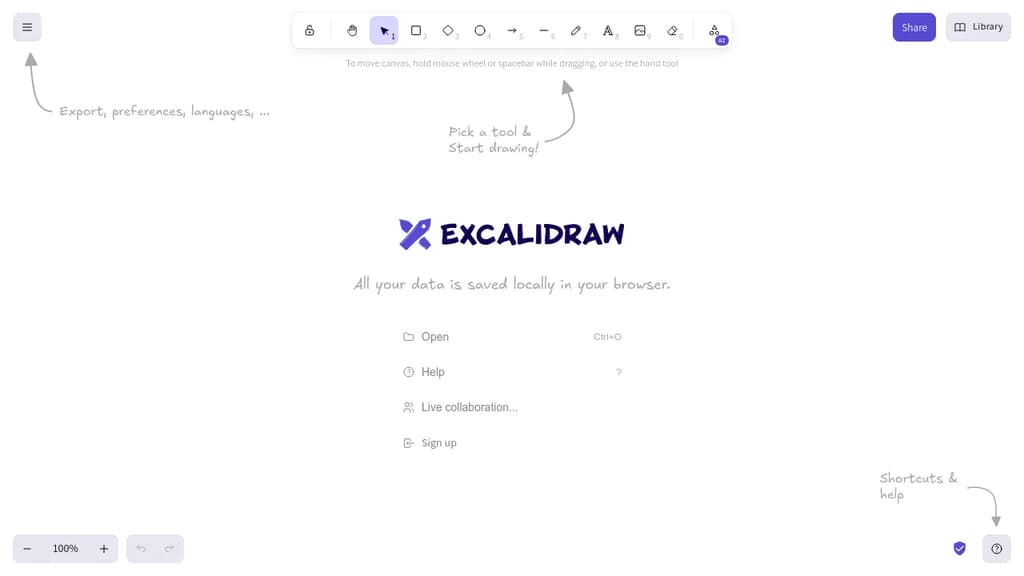
Excalidraw is a browser-based whiteboarding tool built around one idea: making diagrams feel human. Everything you draw comes out with a sketchy, hand-drawn style that keeps things informal and approachable, which makes it popular for brainstorming sessions, technical diagrams, and quick wireframes where polish would actually get in the way.
It's built for collaboration. Multiple people can work on the same canvas in real time, making it a practical choice for remote teams who need a shared visual space without spinning up heavy software.
Key capabilities include:
- Hand-drawn rendering that gives shapes, arrows, and text a natural, informal look
- Real-time multiplayer so teams can sketch together live
- Exportable scenes to PNG, SVG, or the native
.excalidrawformat for reuse - Libraries of reusable shapes and components you can drop into any canvas
- End-to-end encrypted sharing when you share a link with collaborators
- Embeddable in other apps via its open API, which is why it shows up inside tools like Obsidian and Notion
Compared to tools like draw.io or tldraw, Excalidraw leans harder into the sketchy aesthetic as a deliberate design choice rather than a mode you toggle. It's not trying to produce publication-ready diagrams. That constraint is the point: it keeps conversations focused on ideas rather than pixel-perfect layouts.
The canvas is infinite, the interface stays minimal, and the whole thing runs in the browser with no account required to start drawing.

Open source collaborative workspace combining notes, databases, and AI with full data ownership, offline support, and self-hosting options.
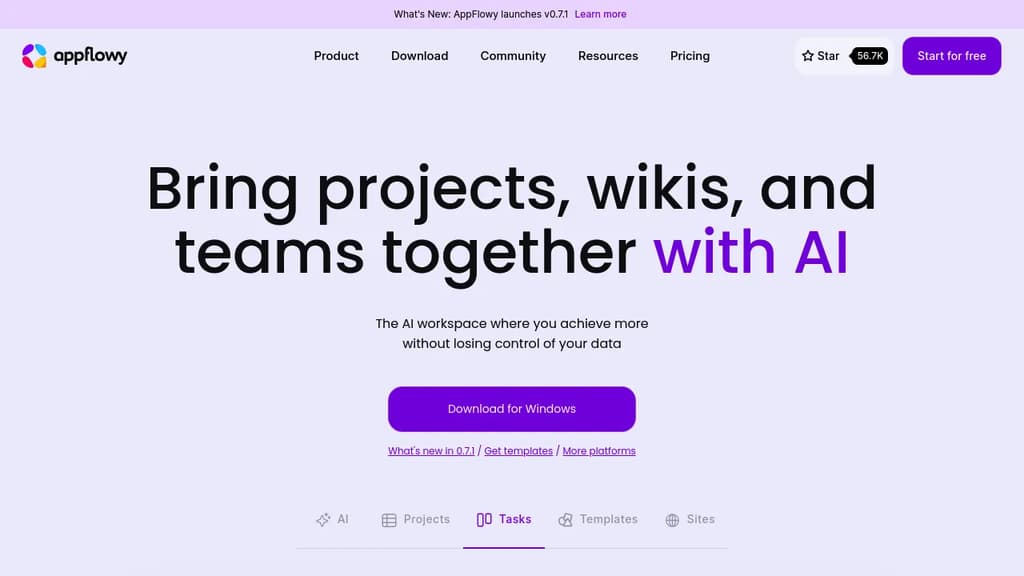
AppFlowy is an open source workspace that brings together documents, wikis, project tracking, and team collaboration in one place. It's built as a self-hostable alternative to tools like Notion, designed for people who want a modern workspace without handing their data to a third-party cloud.
The core of the product is a block-based editor paired with flexible databases. You can build pages with rich content types, attach properties and labels to records, and switch between different views of the same data. Grids, boards, and calendars are all available. Custom themes and fonts let you adjust the look to your preference.
AI is built directly into the workspace, not bolted on as a separate add-on. You can ask questions across your pages, generate and improve writing, and autofill database fields from existing content. AppFlowy supports multiple AI backends including GPT-5, Gemini 2.5, and Claude 3.7, and it also supports running local models like Mistral 7B and Llama 3 on your own machine. That local option matters for teams or individuals who need AI assistance without sending data to external servers — something tools like Flowise AI or Langflow approach from a different angle.
Offline mode is fully supported. The app works without an internet connection and syncs when connectivity returns, across desktop and mobile. iOS and Android apps are available alongside the desktop clients.
Self-hosting is a first-class option, not a workaround. You can run AppFlowy on your own infrastructure with no vendor lock-in. For teams that can't store sensitive information in someone else's cloud, this is a practical path. If you're also evaluating Baserow for database-heavy workflows or OpenWork for team collaboration, AppFlowy sits at the intersection of both.
The project has over 400 contributors and a community spanning more than 215 countries. A plugin and template ecosystem is actively growing, which extends the toolbox beyond what ships by default.

Virtual whiteboard that works instantly on any device, no signup required, with real-time multiplayer collaboration built in.
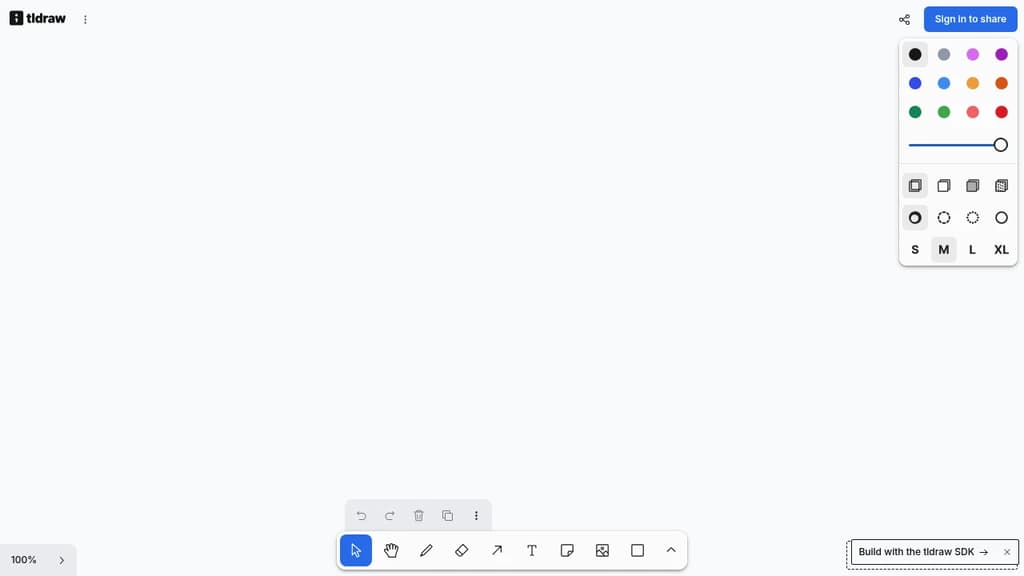
tldraw is a free virtual whiteboard that opens in your browser and works immediately. No account, no installation, no waiting. It runs on desktop, tablet, and mobile, making it practical for quick sketches, brainstorming sessions, or visual collaboration across teams.
The core experience is fast and low-friction. You get a clean infinite canvas with drawing tools, shapes, text, arrows, and sticky notes. Real-time multiplayer is built in, so multiple people can draw and edit together without any setup. Share a link and collaborators are in.
What sets tldraw apart from tools like Excalidraw or draw.io is its focus on feel. The drawing experience is deliberately smooth, with snapping, alignment guides, and a hand-drawn aesthetic that makes diagrams feel approachable rather than stiff. It's well-suited for informal collaboration: wireframes, quick diagrams, meeting notes with visuals, or just thinking out loud with a colleague.
Key capabilities include:
- Infinite canvas with zoom and pan that stays responsive at any scale
- Multiplayer collaboration via shareable links, no accounts required for guests
- Shape library covering arrows, connectors, text, and freehand drawing
- Embeds so you can drop in images and other content directly onto the board
- Export to PNG, SVG, and JSON for use outside the app
tldraw is also available as an open-source SDK, which means developers can embed the whiteboard engine directly into their own products. That dual nature (polished end-user tool and embeddable component) gives it a broader reach than most LucidChart alternatives in this space.

XWiki is a flexible, feature-rich wiki software that helps organizations structure and share knowledge efficiently.

XWiki is an enterprise-grade, open-source platform for knowledge management and collaboration. It offers a unique "Structured Wiki" concept, combining the flexibility of wikis with powerful organization features.
Key benefits include:
-
Structured Knowledge: XWiki goes beyond traditional wikis by allowing users to create structured content, making information easier to organize and find.
-
Customization: The platform is highly adaptable, supporting custom applications and workflows to meet specific organizational needs.
-
Collaboration Tools: XWiki provides robust features for team collaboration, including real-time editing, comments, and version control.
-
Security and Access Control: Granular permissions and access controls ensure that sensitive information remains protected.
-
Integration: XWiki can integrate with various third-party tools and systems, enhancing its functionality and fitting into existing workflows.
-
Open Source: As an open-source solution, XWiki offers transparency, community support, and freedom from vendor lock-in.
-
Scalability: XWiki is designed to handle large amounts of data and users, making it suitable for organizations of all sizes.
-
Multiple Deployment Options: Available as a cloud service or for on-premises installation, providing flexibility in deployment.
XWiki is trusted by over 800 teams worldwide, including major organizations like Amazon, SNCF, and CNFPT. It's particularly well-suited for creating knowledge bases, managing procedures, building intranets, and developing custom collaborative applications.
Whether you're looking for a standard solution or a custom-tailored platform, XWiki offers the tools and services to streamline your organization's knowledge sharing and collaboration processes.

People are looking for alternatives to...
View all alternatives
Spotify

Claude Code

CapCut

Claude

Notion

Lovable
 Bright Data – Web data for AI agents and apps. Built-in unblocking, proxies, and ready-made APIs.
 Sent
Sent